Texture and finish are the category
A beauty listing without a macro shot of the formula is under-shipping. Macro photography is expensive and frequently skipped.
Beauty buys on texture, colour, and mood. The forge generates the macro shot that sells finish, the hand-held that sells use, and the lifestyle that sells the fantasy — each tuned to your brand's grammar.


Sample images AI-generated from a text description. Yours are made from your own product photo.
A beauty listing without a macro shot of the formula is under-shipping. Macro photography is expensive and frequently skipped.
Shoppers skim imagery before reading copy. Hero ingredients on slot 3 or 4 move conversion measurably.
A brand whose cleanser and moisturiser don't visually agree feels unfinished. Consistency is hard without a single guiding hand.
The shot list
Each angle follows what shoppers in this category look for, and fits every major marketplace’s image rules.
Step 1
Even, diffuse light; label dead-on; 15% margin. The forge synthesises every angle from this single frame.
Step 2
'Cream-gel with a matte finish, mid viscosity, slight pearlescent sheen'. Material specificity translates directly to output quality.
Step 3
Choose two background tones that will recur across the entire line. Consistency compounds across the catalog.
Step 4
After you have individual angles for each SKU, photograph the full line-up together and run it with the same background and lighting mood, so it matches the rest of the range.
Texture macros, ingredient callouts, and a range shot that makes the whole line look like one family — from a single packshot.
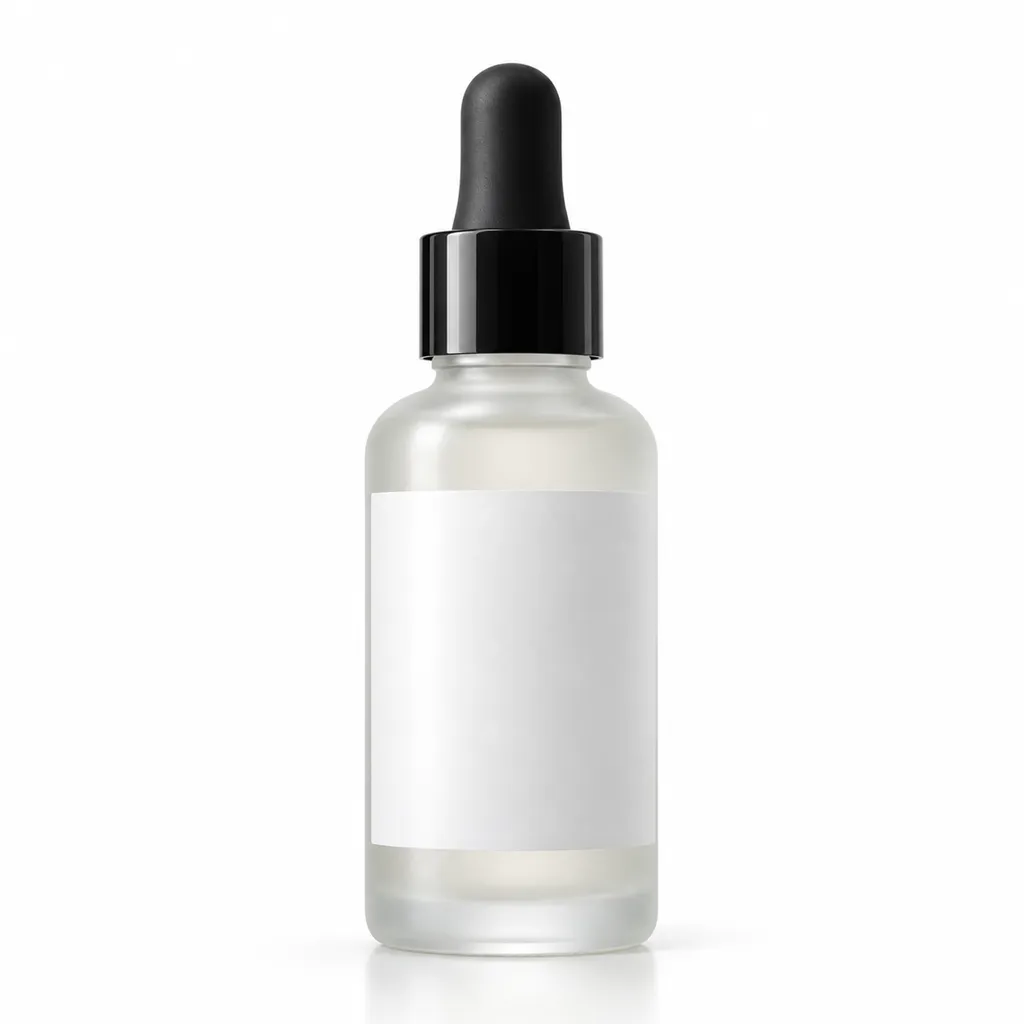
Skincare
Serums & face oils, Moisturisers & creams, Cleansers & toners
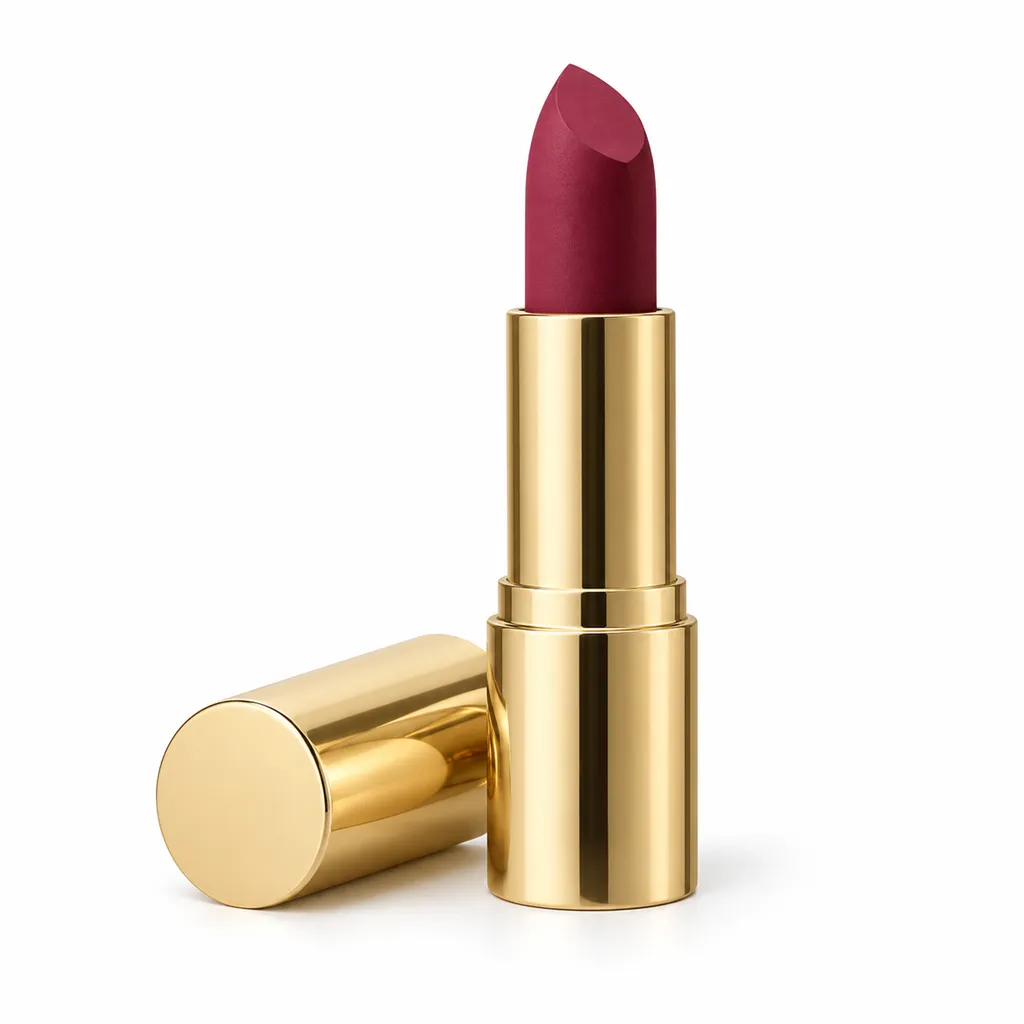
Makeup & cosmetics
Lipstick & lip gloss, Foundation & concealer, Eyeshadow palettes
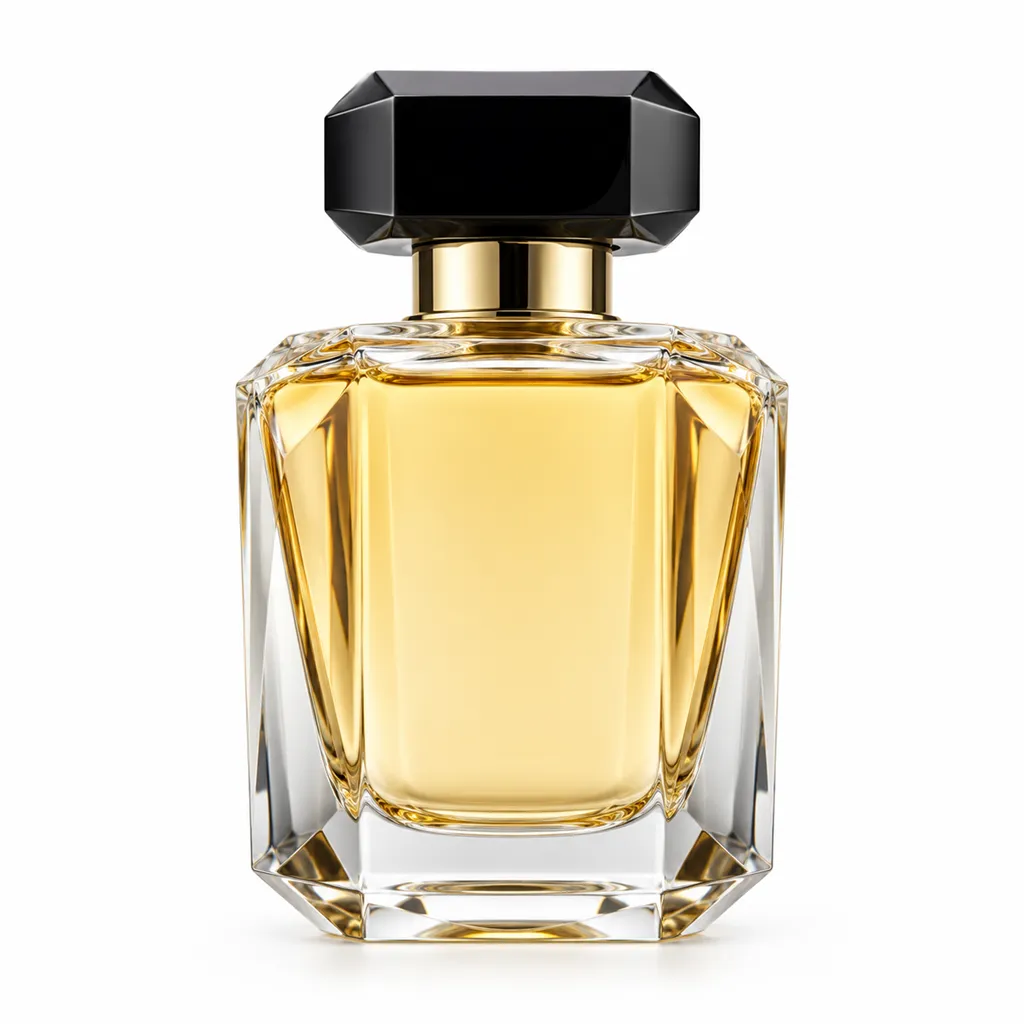
Perfume & fragrance
Eau de parfum & eau de toilette, Attar & perfume oils, Body mist
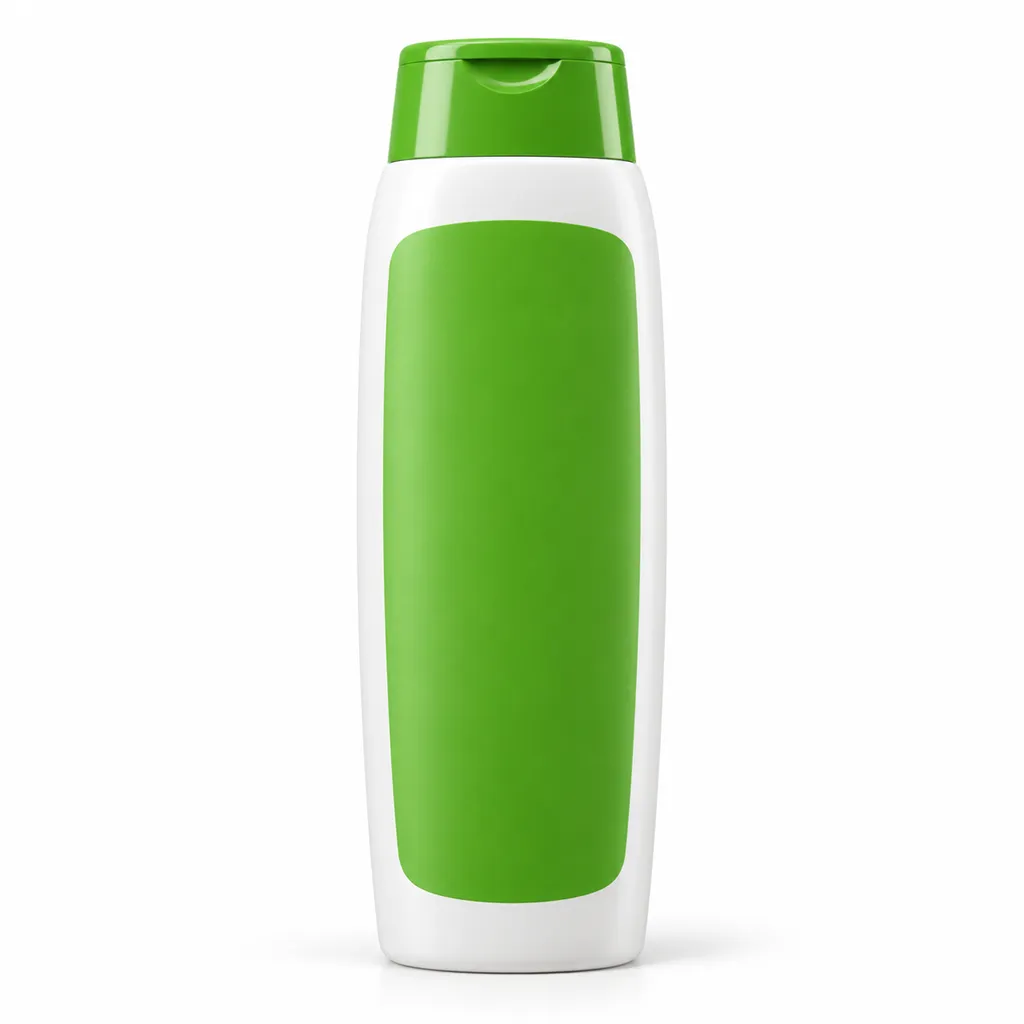
Hair care
Shampoo & conditioner, Hair oils & serums, Hair masks
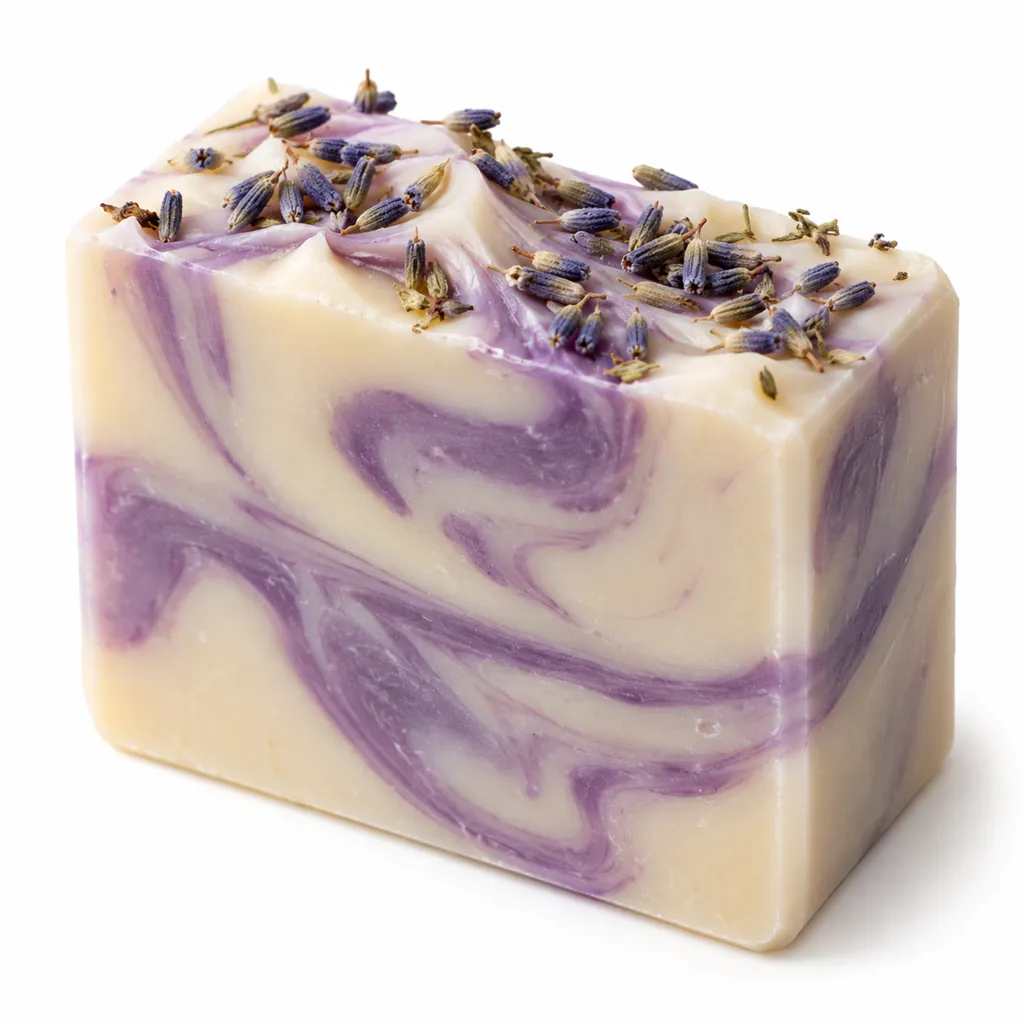
Soap & bath products
Handmade soap, Bath bombs, Body wash & shower gel
Sign up, upload a photo and your first image is ready in about 30 seconds. Make 3 images free, then pick a pack or plan. Your first credit pack comes with 50% extra credits.