AngleForge
Fashion & apparel

AI product photography for fashion brands

From ghost-mannequin heroes to lifestyle editorials, with a matched set for every colourway in your drop — the forge understands fabric, drape, and category convention, and ships a listing set your catalog team would have needed a week to shoot.
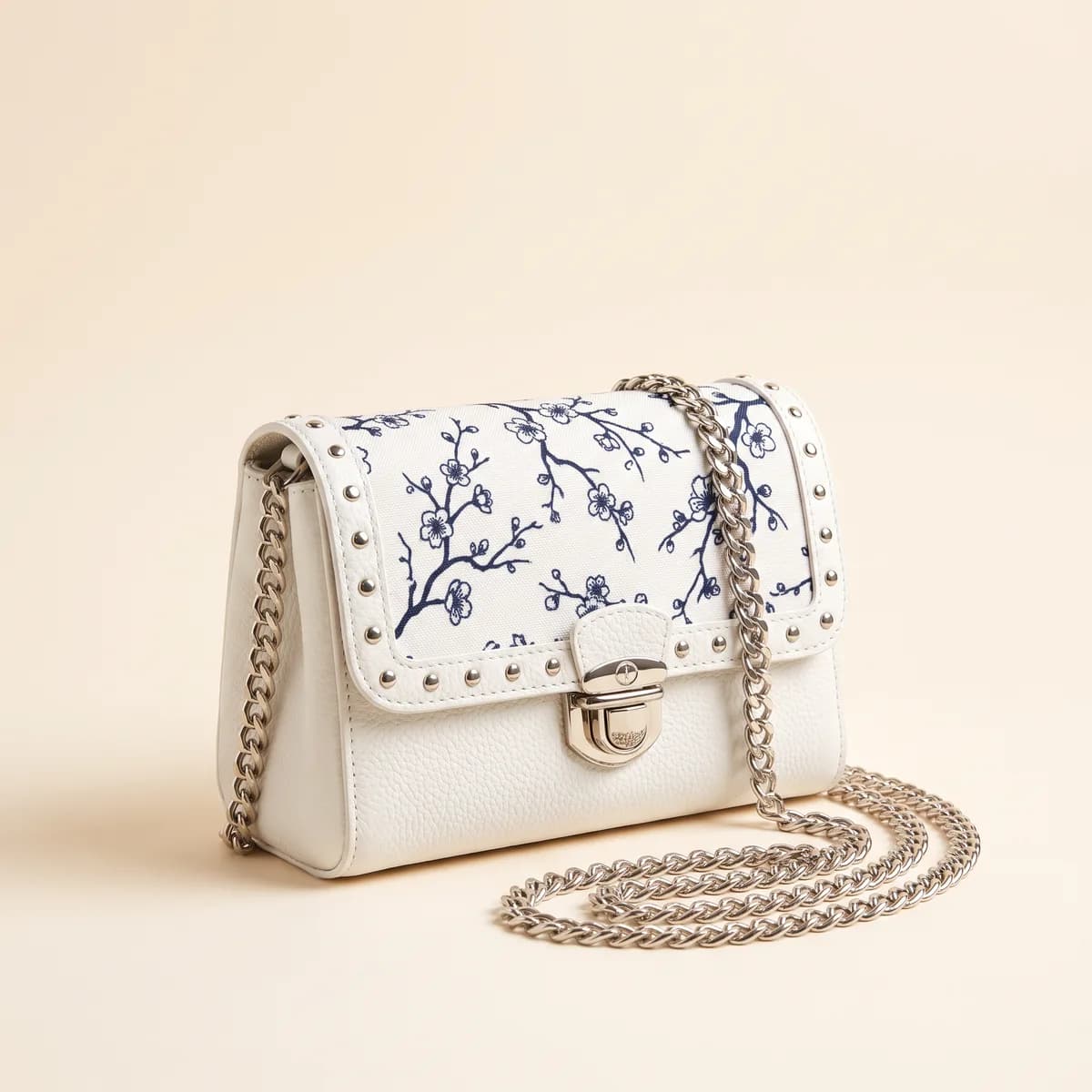
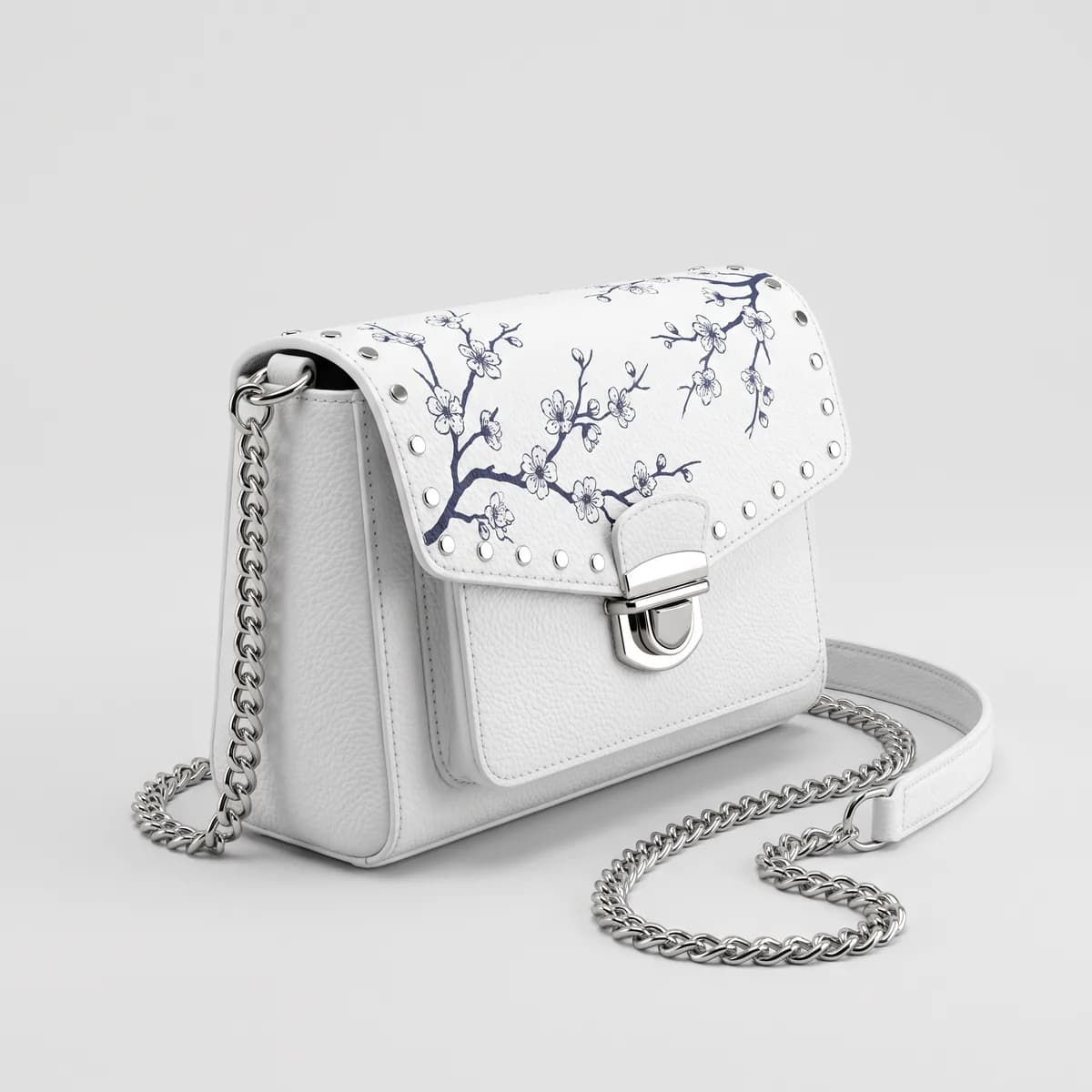
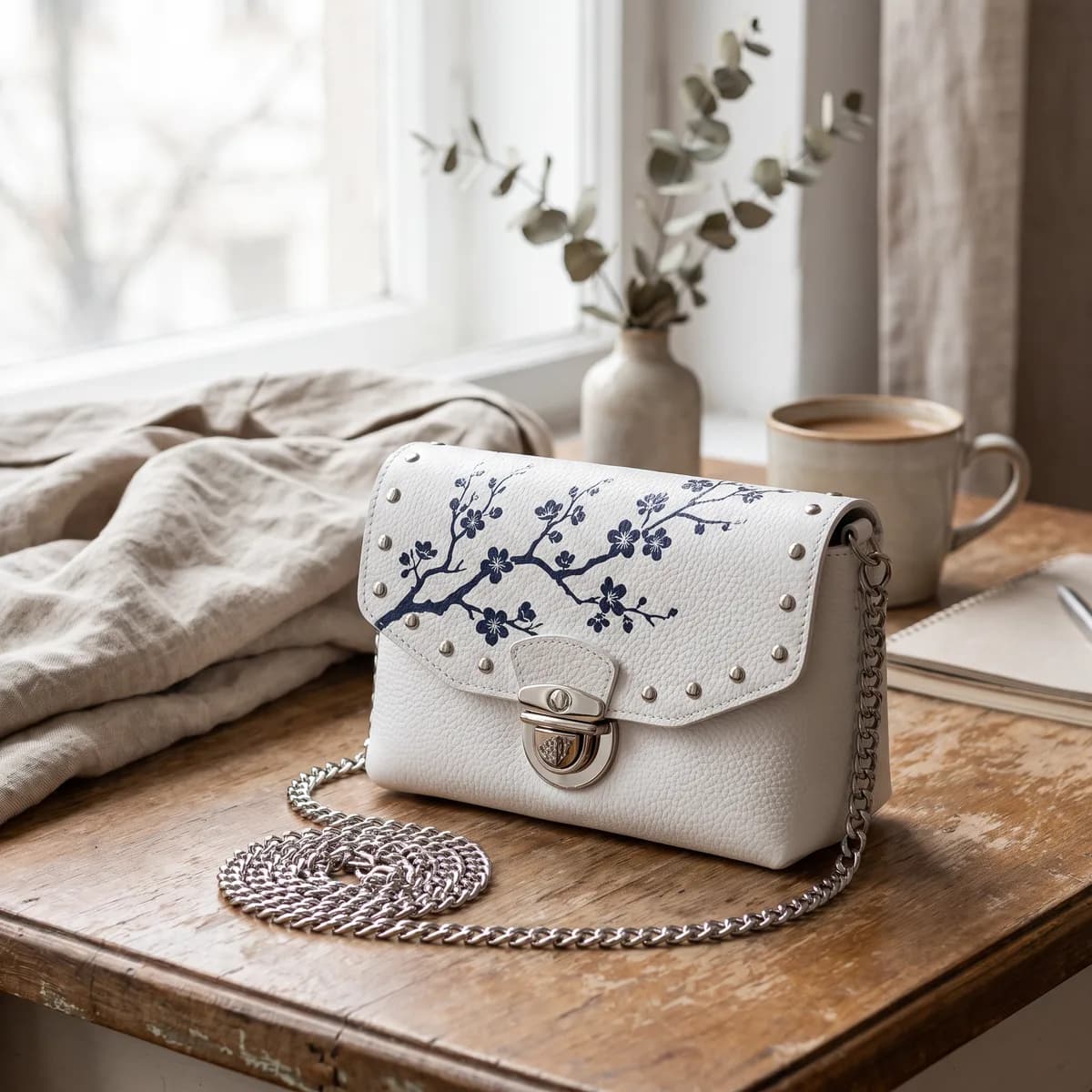
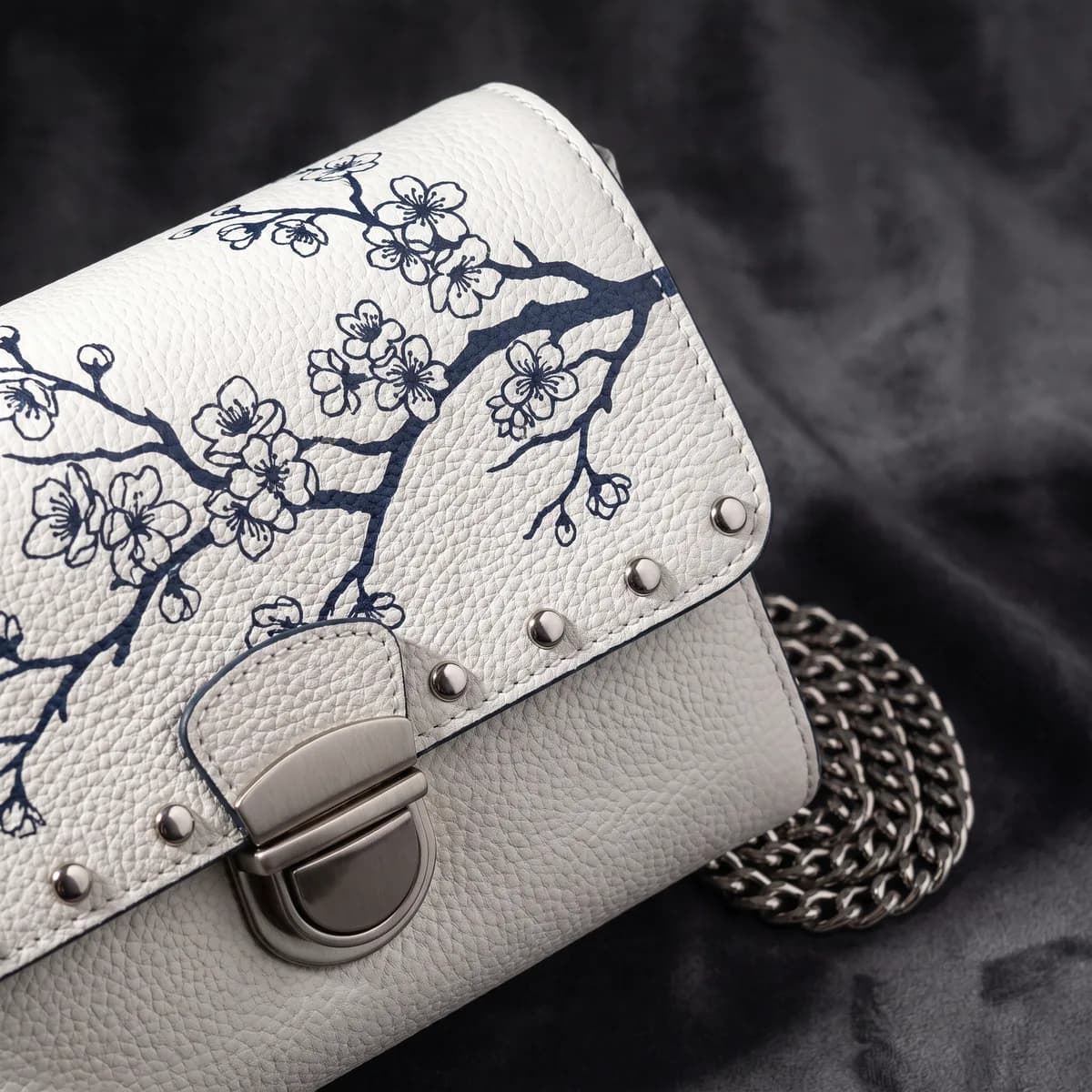
AI-generated hero shot of a white floral-print chain shoulder bag
AI-generated 45° angle of a white floral-print chain shoulder bag
AI-generated lifestyle scene featuring a white floral-print chain shoulder bag
AI-generated macro detail of a white floral-print chain shoulder bag

Sample images AI-generated from a text description. Yours are made from your own product photo.

Apparel styling by default
Ghost-formApparel styling by default
Angles per SKU
7Angles per SKU
Input per listing set
1 photoInput per listing set
Export presets, plus custom size
7Export presets, plus custom size
The problem

What slows down fashion & apparel listings

01

Colourway reshoots are eating your calendar

Every new colour of the same garment means another shoot, another stylist day, another round of retouching. The maths stops working past eight SKUs.

02

Marketplace compliance is category-specific

Amazon's apparel style guides show adult clothing on a model, Etsy shoppers respond to lifestyle, and Flipkart wants plain-background fits. A single set does not work across all of them.

03

Returns are driven by fit and colour mismatch

Imagery that does not honour drape or colour accurately becomes the most expensive part of your P&L.

The shot list

The angles buyers expect for fashion & apparel

Each angle follows what shoppers in this category look for, and fits every major marketplace’s image rules.

  1. 1Ghost-mannequin hero for your own store and secondary slots
  2. 2Front and back full-length — marketplace standard
  3. 3Side profile for drape and silhouette
  4. 4Fabric macro — weave, stitching, finish
  5. 5Flat-lay — editorial and lookbook
  6. 6Lifestyle scene with the garment in context
  7. 7One matched set per colourway — same light, same backdrop
The playbook

A four-step plan for your catalog

  1. Step 1

    Photograph one honest source

    Shoot in diffuse, even light with the garment laid flat or on a form. This is the one frame that sets the grammar for every generated angle.

  2. Step 2

    Describe the fabric in three specific words

    'Matte wool crêpe' beats 'premium soft fabric'. The forge translates specificity directly into output fidelity.

  3. Step 3

    Select the Fashion category

    Apparel gets invisible-mannequin (ghost-form) styling by default. Pick the lifestyle scene background for Etsy and your own D2C site.

  4. Step 4

    Run each colourway with the same settings

    Photograph each colour once and run each photo through the forge with the same background, lighting mood, and brief. Every colourway gets a matched angle set.

Ready for these marketplaces

  • Amazon Fashion
  • Flipkart
  • Shopify
  • Etsy
  • Myntra
  • Ajio
One honest source frame per colourway, every angle your catalog needs — without booking a stylist day per SKU.
Why AngleForge fits fashion
FAQ

Common fashion & apparel questions

Does AngleForge handle ghost-mannequin for Amazon Fashion?
In the Fashion category, apparel is shown with invisible-mannequin (ghost-form) styling by default. Amazon's apparel style guides prefer adult clothing on a model for the main image, and some Amazon stores accept ghost-mannequin or flat-lay mains, so check your store's guide. Ghost-form images work as secondary images and on your own site; the Amazon preset exports them at 2000 × 2000 on pure white.
How do I get images for every colourway?
Photograph each colourway and run each photo with the same background, lighting mood, and brief. The forge keeps the colour of the photo you give it rather than recolouring it, so for colour-critical categories verify the first set against a calibrated display before scaling.
Can I generate on-model lifestyle images?
Not on a real model. Choose the Lifestyle lighting mood or the lifestyle scene background and the forge places the garment in an editorial scene with invisible-mannequin styling. Where a marketplace wants a model in the main image, shoot that one for real and use AngleForge for the rest of the set.

Fashion & apparel categories

Related guides

Your next listing, ready today

Sign up, upload a photo and your first image is ready in about 30 seconds. Make 3 images free, then pick a pack or plan. Your first credit pack comes with 50% extra credits.
  • 3 free images
  • No card needed
  • Failed images refunded