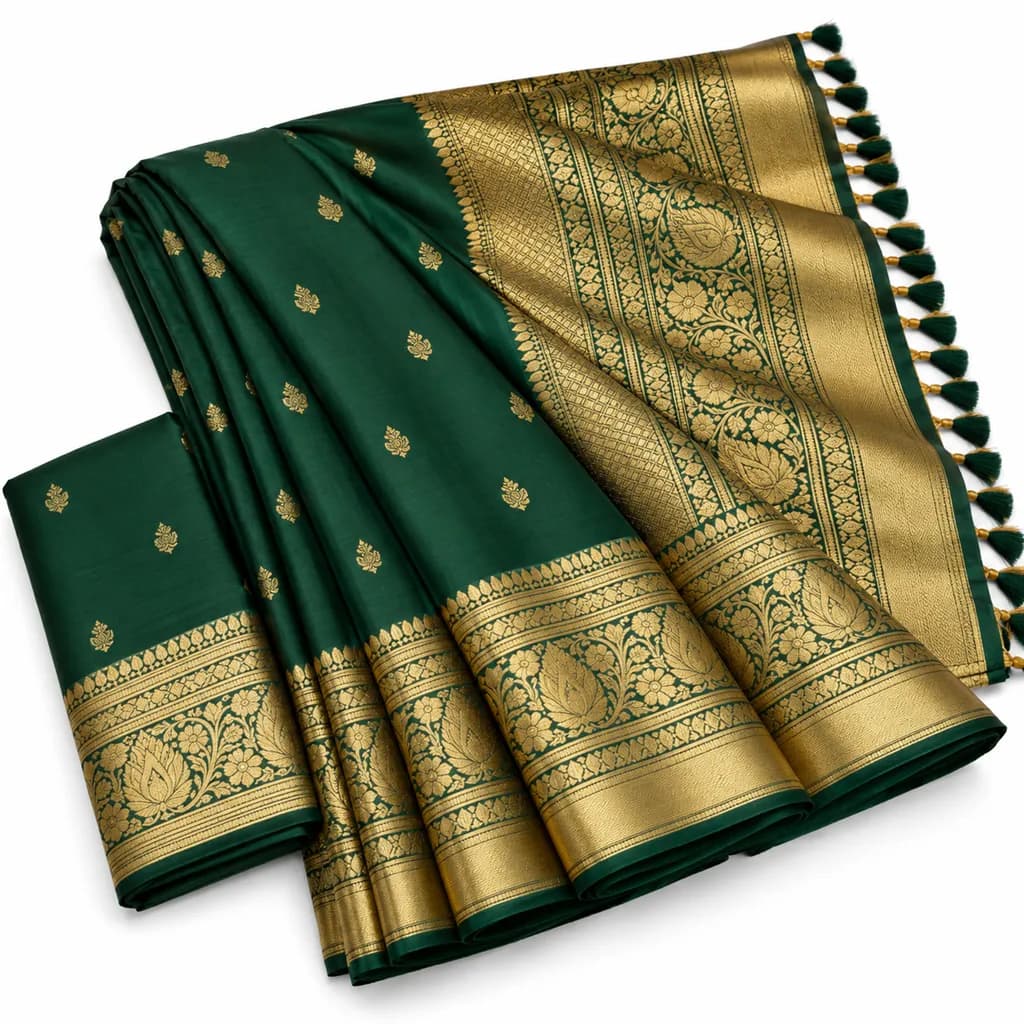
Meesho requires catalog images on a clean white background, square (1:1) aspect ratio, with the product centred and clearly visible. Minimum 600×600 px is accepted but 1000×1000 px or higher is recommended; the hero must be free of text, watermarks, brand logos, and contact details. Meesho's catalog quality score weighs image clarity heavily, and listings that fail the white-background or no-text checks are rejected at upload rather than silently demoted.
Last updated . Marketplaces change their rules, so check the official guidelines before you upload.
At a glance
Minimum resolution
600 × 600 px
Recommended resolution
1000 × 1000 px or higher
Hero background
Clean white
Aspect ratio
1:1 (square)
File formats
JPEG, PNG
Max file size
Approx 2 MB
Images per catalog
Up to 6–8 (category-dependent)
Must follow
Break these and the listing can be suppressed or demoted.
Hero image on a clean white background.
Square (1:1) aspect ratio — non-square images are rejected at upload.
No text, watermarks, brand logos, web addresses, or phone numbers on any image.
Product centred and occupying the majority of the frame.
Image must match the product being shipped — Meesho actively de-lists mismatches.
No collage or multi-product grids in the hero slot.
Recommended
What top sellers do on top of the rules.
Ship 1000×1000 px or larger — Meesho's quality score rewards clarity and Meesho buyers shop on mid-range phones where blur hurts.
Keep the product on plain white for the hero; use secondary slots for fit, scale, and detail.
For apparel, a clean ghost-mannequin or flat-lay reads better than a busy model shot at thumbnail size.
Avoid heavy filters: the photo has to look like the product the buyer receives.
Name files descriptively before upload; it helps internal catalog organisation even though Meesho's public search is title-led.
Slot by slot
What to put in each image slot
Image slot guidance for Meesho
Slot
Purpose
Spec
1 — Hero
Catalog thumbnail
White, centred, square, ≥1000²
2 — Angle / fit
Form factor or fit
White or near-white
3 — Detail
Fabric, texture, finish
Close, in focus
4 — Scale / in-use
Resolve size
Plain context, no clutter
5–8 — Supporting
Variants, packaging
Consistent tone, no text
Avoid these
Mistakes that quietly hurt rankings
1Text, price stickers, or phone numbers on the image — an instant rejection on Meesho.
2Non-square images — Meesho's uploader will not accept them for the hero.
3Off-white or coloured backgrounds on the hero.
4Reusing a supplier's watermarked image, which Meesho's image rules don't allow.
5Low-resolution images that blur on mid-range Android phones, where most Meesho buyers shop.
FAQ
Meesho image questions
What size should Meesho catalog images be?
Meesho accepts a minimum of 600×600 pixels but recommends 1000×1000 or higher, in a square (1:1) aspect ratio. Higher resolution improves the catalog quality score and reads better on the mid-range Android phones most Meesho buyers use.
Does Meesho require a white background?
Yes — the hero image must be on a clean white background, square, with the product centred and no text, watermarks, logos, or contact details. Images that fail these checks can be rejected when you upload the catalog.
Can I use AI-generated images on Meesho?
Yes, as long as the image accurately represents the product being shipped and meets Meesho's catalog rules (white background, square, no text). Meesho does not separately regulate AI generation as of 2026, but it actively de-lists images that don't match the delivered product.
Why does Meesho reject my product images?
The most common reasons are: text or contact details on the image, a non-square aspect ratio, an off-white or coloured background, or a supplier watermark. Fix those four and most rejections disappear.
Sign up, upload a photo and your first image is ready in about 30 seconds. Make 3 images free, then pick a pack or plan. Your first credit pack comes with 50% extra credits.