Is the shade on screen the shade I'll get?
A Hero and Front lit with neutral daylight keep the bullet, pan or polish true to your photo. A real swatch on skin, photographed by you, is the final check buyers look for.
Makeup photos have one job above the rest: show each shade as it really is, at a size buyers can picture. AngleForge holds every bullet, pan and bottle to the colour in your photo and repeats one backdrop and light across matched main images, macro finish shots and a vanity scene, so a whole shade range looks like one shoot on Amazon, Walmart and Shopify.
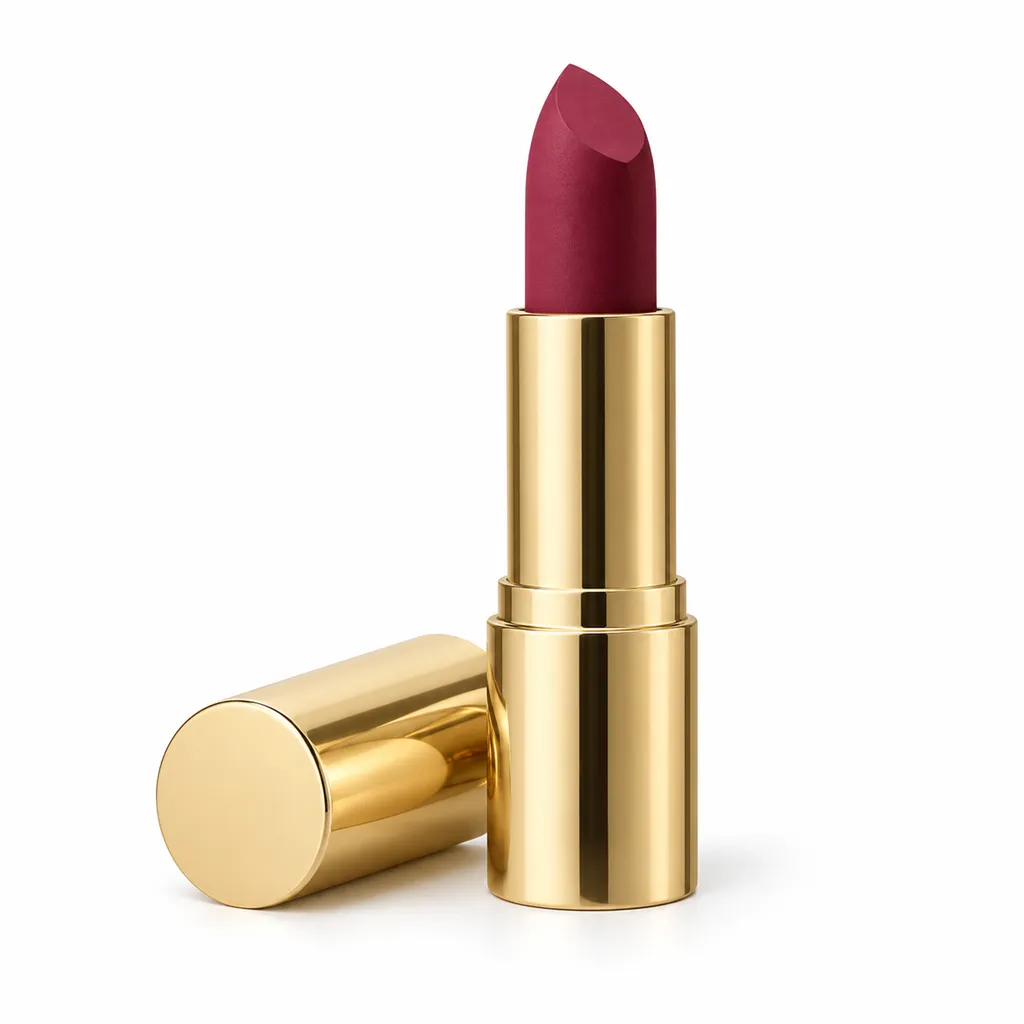
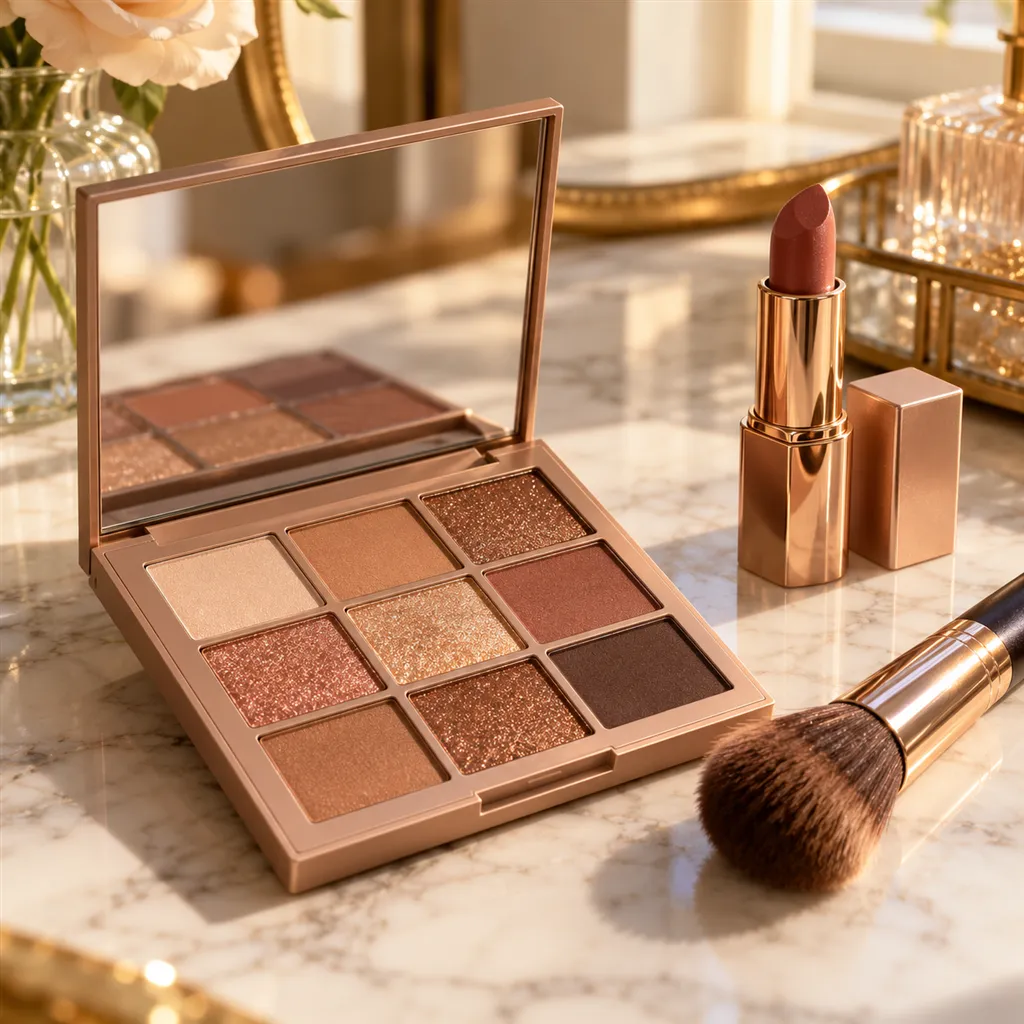
Sample images AI-generated from a text description. Yours are made from your own product photo.
Makeup is bought by colour, and colour is what product photos most often get wrong. A warm bulb pushes a cool pink towards peach, a phone's auto white balance flattens shimmer shades until they read as matte, and a capped lipstick shows the tube instead of the shade. A range multiplies the problem: twelve shades shot on different days under different light look like twelve different brands, and a shade that arrives darker than its thumbnail comes back.
The fix is control. Photograph every shade under the same daylight-balanced light, at the same distance and angle, then give each one its own matched main image. AngleForge keeps each product's colour and packaging as photographed and holds the backdrop, light and framing steady across a set, so the range stays consistent. Swatches are different: a swatch on skin is a statement about the colour, so photograph real swatches in daylight and add them to the gallery next to the generated shots.
A Hero and Front lit with neutral daylight keep the bullet, pan or polish true to your photo. A real swatch on skin, photographed by you, is the final check buyers look for.
A Detail macro of the bullet or pan, with light raking across it, shows the finish: shimmer catches the light and matte stays soft and flat.
A With scale shot beside a hand shows whether a palette slips into a makeup bag or needs a drawer, and whether a mini is worth its price.
A Top-down of the open palette shows every pan in its real position and colour, as long as your upload shows the palette open.
A Side view shows a lipstick's angled tip, a mascara wand or a doe-foot, provided the applicator is out of the tube in your photo.
The shot list
A set of 8 images includes every shot on this list, because each set uses the angles in order. That is 16 credits at 2 credits an image.
Hero
One shade, uncapped or open as photographed, alone on white: the main image for that shade's listing.
Front
Straight-on with the shade name or number readable, so each variant gets the right photo.
Side
Profile of a bullet's cut, a mascara wand, a compact's depth or a polish brush.
Top-down
An open palette from directly above, every pan in place, for buyers comparing shade line-ups.
Detail
Macro of the pan, bullet or brush, where matte, satin, cream and shimmer finishes show.
Lifestyle
A dressing table or makeup bag scene that matches the brand's price point.
With scale
Next to a hand, so a mini palette or travel lipstick isn't mistaken for full size.
Settings to use
6 free credits on sign-up for 3 test images · no card needed
Example brief
“Matte lipstick in a deep berry shade, gold metal tube, bullet fully extended with the cap lying beside it. Keep the shade and the angled tip exactly as photographed; neutral daylight white balance, no colour cast, no extra products.”
Styling and light
Rules change, so check the current category guide in your seller dashboard before you upload.
Sign up, upload a photo and your first image is ready in about 30 seconds. Make 3 images free, then pick a pack or plan. Your first credit pack comes with 50% extra credits.