How dark is the roast, and is it whole bean or ground?
A Detail close-up of beans or grounds shows roast colour, surface oil and grind size. Photograph a small pile of the real coffee beside the bag so the close-up shows what you sell.
Coffee and tea photos have to show the bag or tin, a label shoppers can read for origin, roast and weight, and what the beans or leaves look like. Start with a photo of your bag, tin or box, and AngleForge produces a white main image, label-forward angles, bean and leaf close-ups and brewing scenes, with the label kept as photographed and presets for Amazon, Etsy and Shopify.
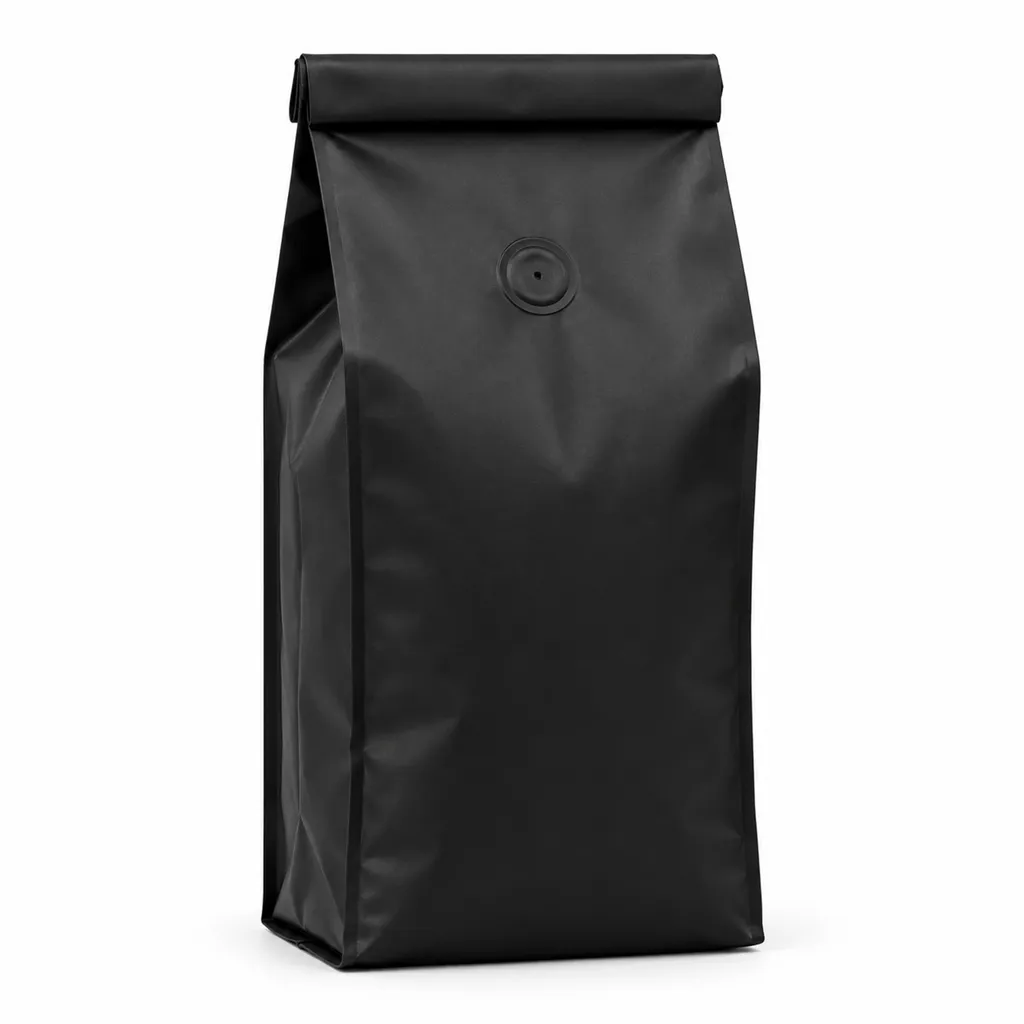
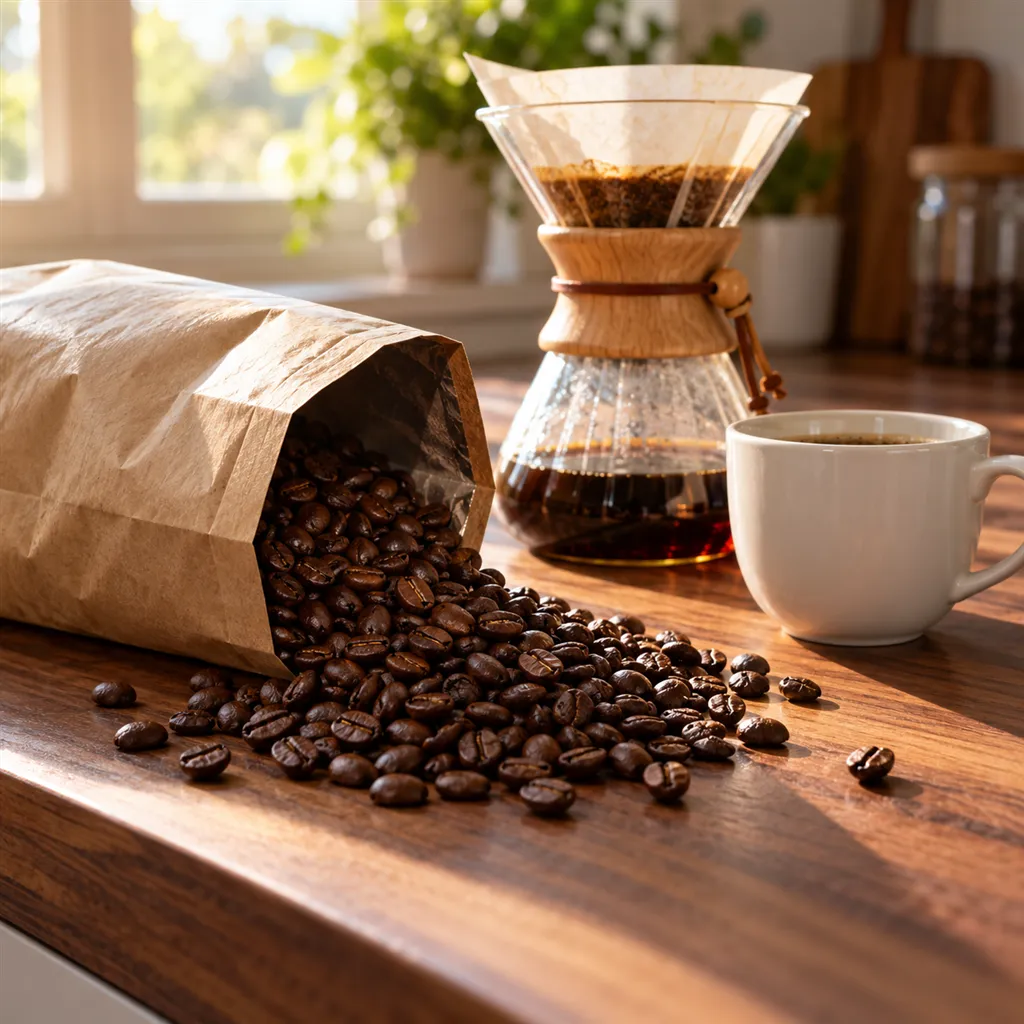
Sample images AI-generated from a text description. Yours are made from your own product photo.
Coffee and tea packaging is awkward in front of a camera. Kraft bags crease and slump, foil bags flare under any direct light, and a round tin curves its label away from the lens. What's inside matters just as much. Coffee buyers want to see whether the beans are dark and oily or light and dry, and how fine the grind is; tea buyers want to know whether they're getting whole leaves, broken leaf or the fine fannings used in many tea bags.
The label carries most of the buying information: origin, roast level or harvest, grind, weight and, for blends and flavoured teas, the ingredient list. A strong listing keeps that label readable, shows the beans or leaves up close and puts the brew in a setting that fits the price. AngleForge keeps the bag or tin and its label as you photographed them and builds the scene around them.
A Detail close-up of beans or grounds shows roast colour, surface oil and grind size. Photograph a small pile of the real coffee beside the bag so the close-up shows what you sell.
A straight-on Front view keeps origin, roast level and tasting notes readable. A stamped roast date in the photo goes stale fast, so shoot a bag without one and put freshness details in the text.
A Top-down shot of the open tin, or of a few leaves beside it, shows the leaf, and a With scale shot beside a hand shows how big a 100 g tin really is.
No photo can confirm that. Name the compatible system in the title and keep machines out of the images; an unbranded cup and saucer makes a better prop.
The shot list
A set of 8 images includes every shot on this list, because each set uses the angles in order. That is 16 credits at 2 credits an image.
Hero
The bag or tin upright and alone, with the roaster or tea name readable at thumbnail size, as the main image.
Front
The label squared to the camera: origin, roast level, tasting notes and weight, free of a tin's curve or a bag's creases.
45°
Shows the bag's depth and fold-over top or the tin's lid, giving a sense of volume a flat front can't.
Side
The gusset of a bag or the height of a tin in profile, which helps buyers picture it in a cupboard.
Top-down
A flat lay of the bag with beans or a scoop beside it, or an open tin of loose leaf from above.
Detail
A macro of beans, grounds or leaves: roast colour, oil, grind size, whole or broken leaf.
Lifestyle
The brew in progress: a pour-over on a counter, a teapot on a tray, a pod beside an unbranded cup.
With scale
The bag or tin beside a hand or another everyday object, so buyers can tell a 250 g bag from a 1 kg bag at a glance.
Settings to use
6 free credits on sign-up for 3 test images · no card needed
Example brief
“Matte kraft 250 g coffee bag with a cream label and a one-way valve, whole beans, medium-dark roast. Keep the label, origin, roast level and weight exactly as photographed; warm, soft side light; show a small pile of the beans beside the bag in close-ups.”
Styling and light
Rules change, so check the current category guide in your seller dashboard before you upload.
Sign up, upload a photo and your first image is ready in about 30 seconds. Make 3 images free, then pick a pack or plan. Your first credit pack comes with 50% extra credits.