How big is the earbud case? Will it fit in a pocket?
A With scale shot beside a hand or a coffee cup shows the case at true size; add the dimensions in the bullets for buyers who measure.
Audio listings have to show what a buyer can't hear through a screen: how the earbuds sit, how big the case is, where the controls are and what comes in the box. AngleForge takes one photo of your headphones, earbuds or speaker and renders a white main image, angled and side views, close-ups of controls and cushions, and size and in-use scenes for Amazon, Flipkart and eBay.
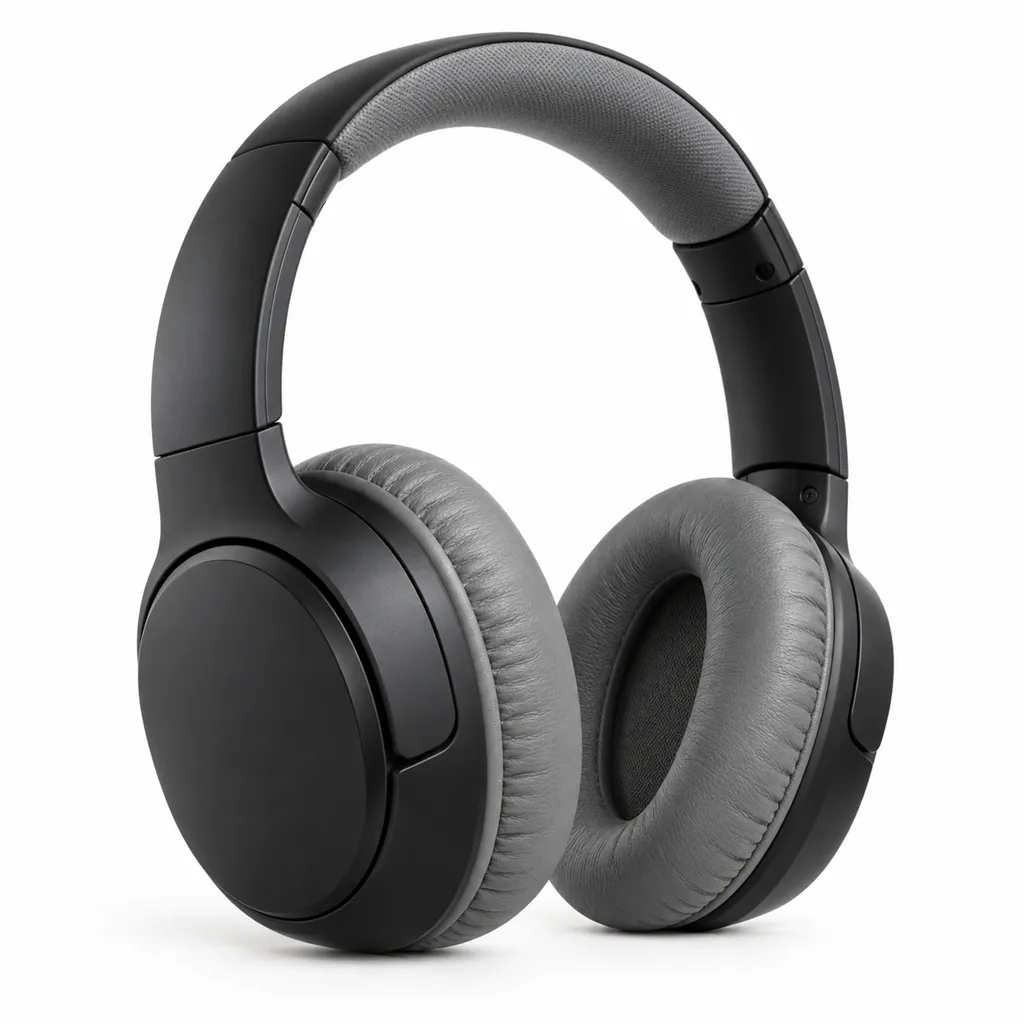
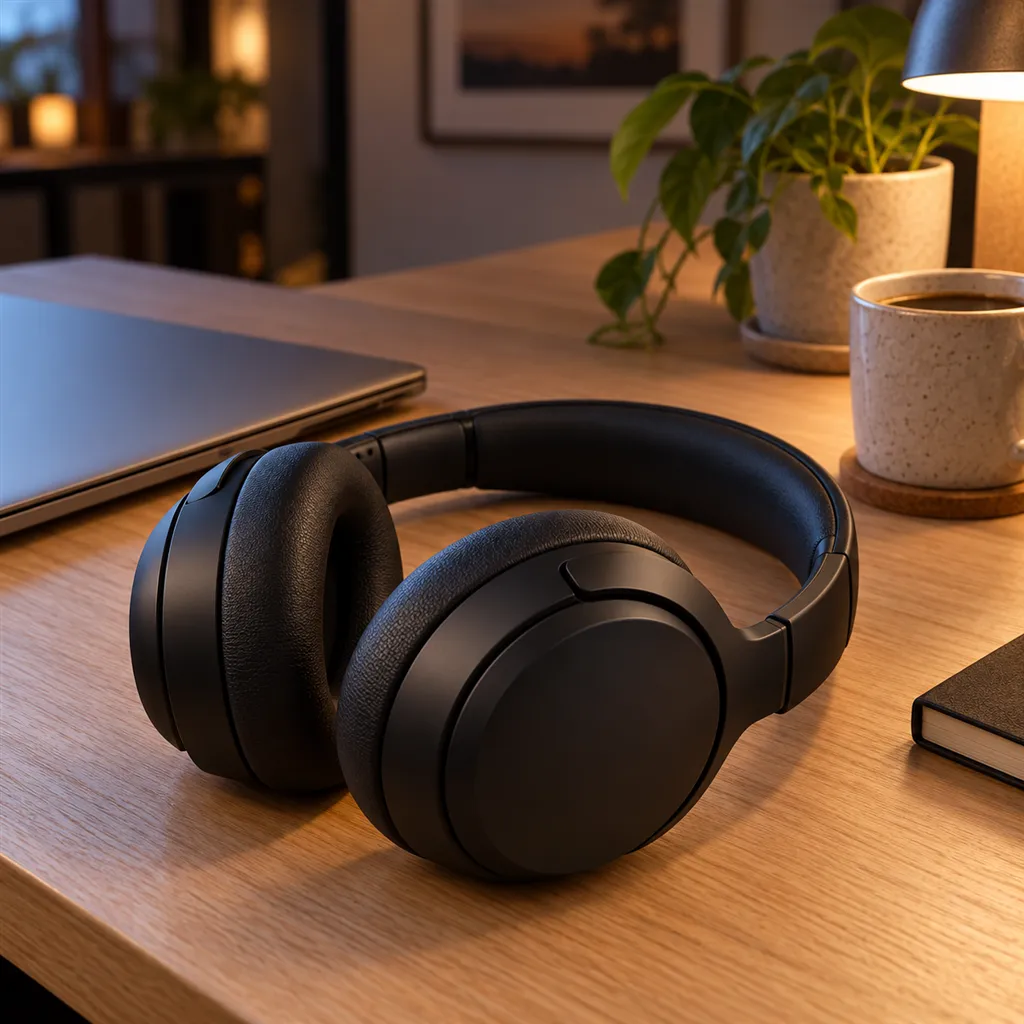
Sample images AI-generated from a text description. Yours are made from your own product photo.
Sound doesn't photograph, so audio products sell on what the pictures can prove: build, fit, size and contents. That is harder than it looks. Matte black plastic swallows detail and turns into a silhouette, glossy earbud cases pick up every fingerprint and highlight, white earbuds vanish into a white background, and a speaker's fabric grille loses its texture in flat light.
Each product type raises its own doubts. Earbud buyers want the case size and the shape of the bud, over-ear buyers look at the cushions, the headband and whether the cups fold, and speaker buyers want to know how big it is next to everyday things. AngleForge keeps your product as photographed and builds the scenes around it, so photograph it the way it should appear in the main image: earbuds seated in the open case, headphones unfolded, the speaker's controls clean and visible.
A With scale shot beside a hand or a coffee cup shows the case at true size; add the dimensions in the bullets for buyers who measure.
A side view shows the earbud stem or wing tip and the angle of the nozzle. For over-ears, it shows cushion depth and the swivel joint on the yoke.
A close-up of the touch area, buttons or volume wheel shows how the product is operated, and a three-quarter view shows where the controls sit on the cup, the stem or the speaker's top panel.
An out-of-box shot with the cable, spare ear tips and pouch answers it. Amazon's Consumer Electronics style guide lists that kind of image among its suggested alternates.
A lifestyle shot on a shelf, desk or picnic blanket next to everyday objects shows its real size and the kind of space it suits.
The shot list
A set of 8 images includes every shot on this list, because each set uses the angles in order. That is 16 credits at 2 credits an image.
Hero
The main image and thumbnail: earbuds in their open case, headphones turned slightly, or a speaker with its grille forward.
Front
Straight on: a speaker's grille and buttons, a headset's headband arch, or the face of an earbud case with its status light.
45°
Ear-cup depth, hinge and cushion thickness in one view, or a speaker's top controls together with its side.
Side
Profile of an earbud stem or wing tip, an ear cup on its yoke, or how deep a speaker is front to back.
Top-down
Overhead view of an open earbud case with both buds seated, or a speaker's top panel and buttons.
Detail
Macro of cushion stitching and memory foam, the grille weave, the charging port or the touch area.
Lifestyle
In use: earbuds on a commute, headphones at a desk, a speaker on a kitchen shelf or a picnic blanket.
With scale
Next to a hand or a coffee cup, so the size of a case or speaker is obvious at a glance.
Settings to use
6 free credits on sign-up for 3 test images · no card needed
Example brief
“White wireless earbuds seated in their open charging case. Keep the case hinge, the status light and the ear tips exactly as photographed; a soft shadow under the case so its white edges stay visible.”
Styling and light
Rules change, so check the current category guide in your seller dashboard before you upload.
Sign up, upload a photo and your first image is ready in about 30 seconds. Make 3 images free, then pick a pack or plan. Your first credit pack comes with 50% extra credits.