AngleForge
Accessories · Product photography

AI watch product photography

Watch photos have to make the dial readable, the case size believable and the strap or bracelet clear, because buyers are choosing something they will wear every day. AngleForge turns a photo of your watch into a flat front view on white, angled views of the case and crown, dial close-ups and wrist scenes for Amazon, Flipkart and eBay.
  • Analog watches
  • Automatic watches
  • Chronographs
  • Dress watches
  • Fashion watches
  • Watch straps & bracelets
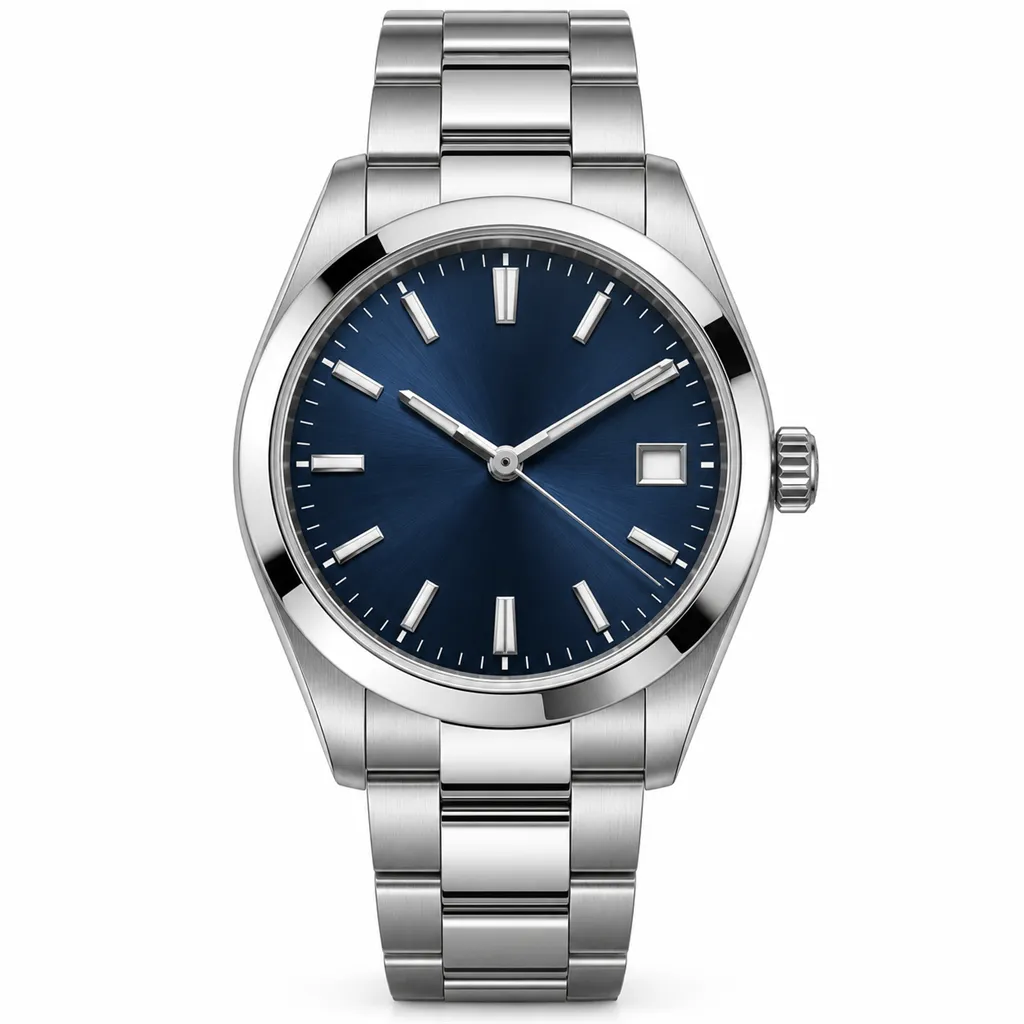
AI-generated hero shot: a stainless steel automatic wristwatch with a navy sunburst dial
Hero
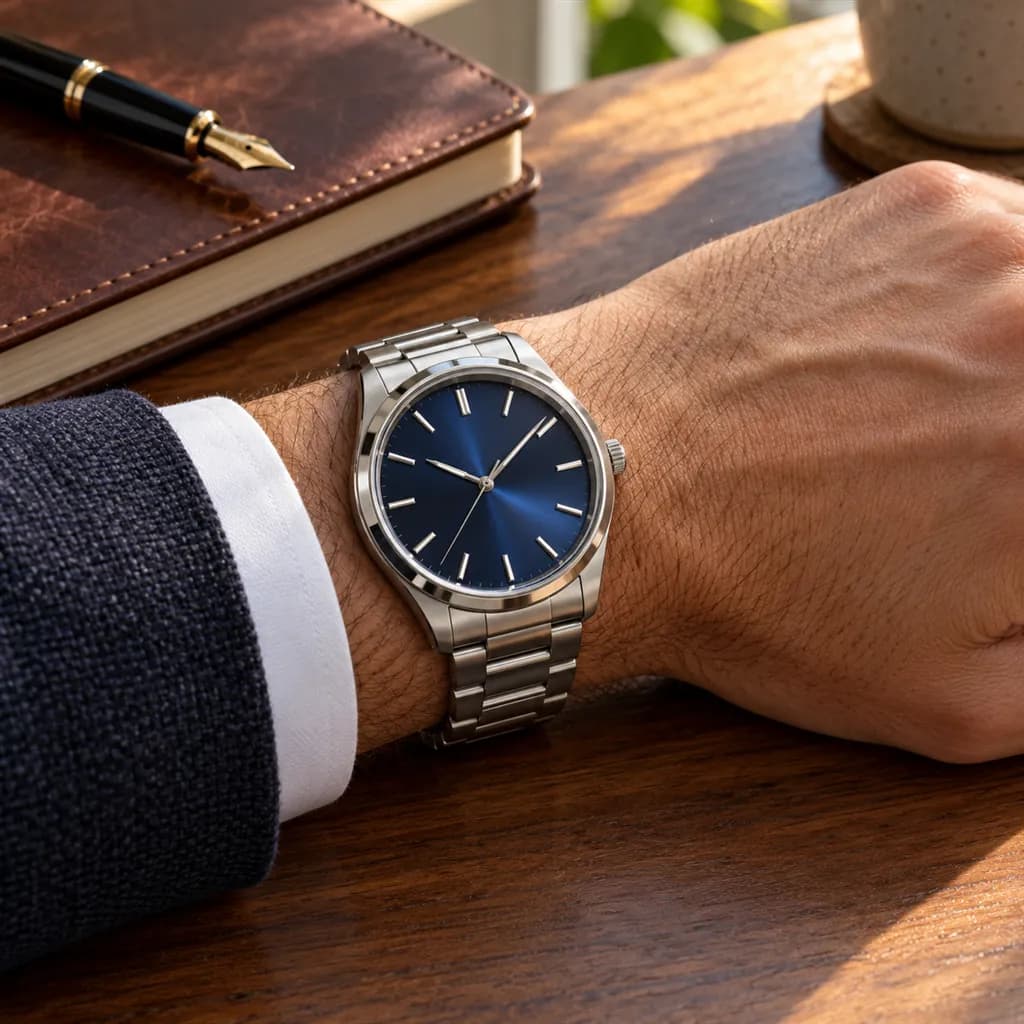
AI-generated lifestyle scene: a steel wristwatch with a navy sunburst dial and a steel bracelet worn on a man's wrist
Lifestyle

Sample images AI-generated from a text description. Yours are made from your own product photo.

Almost every surface of a watch fights the camera. The crystal mirrors the window and the person holding the phone, polished bevels flare to white beside brushed steel, and a sunburst dial changes colour as the light moves. Size is just as slippery: a 36 mm dress watch and a 44 mm diver look much the same alone on white, and a watch that wears bigger than the buyer pictured is an easy return.

Watch photography also has a convention buyers expect: hands at about ten past ten, which frames the logo under twelve and keeps the date window and subdials clear. AngleForge keeps the watch as it appears in your photo, so the time on the dial, the date and every printed mark come from your shot. Set the hands and wipe the crystal first; the tool builds the studio views, wrist scenes and close-ups around it.

What shoppers check

The questions your photos have to answer

How big will it look on my wrist?

A With scale or Lifestyle shot on a wrist settles it. A case diameter in the bullets is only a number; the wrist shot shows how that number wears and where the lugs end.

Can I read the dial clearly?

A straight-on front view with the hands clear of the markers lets buyers read the indices, the subdials and the date. Glare across the crystal is the usual reason they can't.

How thick is the case? Will it slide under a shirt cuff?

A side profile shows case height, the crown and how the caseback curves, which decides whether a dress watch slips under a cuff or a diver sits proud on the wrist.

What are the strap and clasp like?

A close-up shows the stitching, the leather grain or the brushed and polished links, and the buckle or deployant clasp that buyers will handle every day.

Is the dial colour what I'll receive?

Sunburst blues, greens and greys shift with the light. A neutrally lit front view shows the base colour, and a 45° view shows how the dial changes as the wrist turns.

The shot list

Shots that sell watches

A set of 8 images includes every shot on this list, because each set uses the angles in order. That is 16 credits at 2 credits an image.

  1. 1

    Hero

    The search thumbnail: the whole watch, dial facing the camera and readable even at small size.

  2. 2

    Front

    The dial straight on and flat, the view Amazon's watch style guide asks for in the main image. Export this one with the Amazon preset.

  3. 3

    45°

    Crown, bezel edge and case flank in one view, showing the depth a flat front view hides.

  4. 4

    Side

    Pure profile of the case: height, crown guards, chronograph pushers and the drop of the lugs.

  5. 5

    Top-down

    From directly above, the bezel markings, lug width and strap or bracelet read as one shape, a quick check on proportions.

  6. 6

    Detail

    Macro of the dial texture, applied markers, hands and lume, or the crown and clasp, where buyers judge finishing.

  7. 7

    Lifestyle

    On a wrist or a desk in a scene that suits the type: a field watch outdoors, a dress watch against a shirt cuff.

  8. 8

    With scale

    A hand beside the watch shows true size, the shot that answers whether 42 mm is too big.

Settings to use

Start with these in AngleForge

Category
Accessories
Lighting mood
Studio
Background
Cut-out white
Set size
8 images
Open with these settings

6 free credits on sign-up for 3 test images · no card needed

Example brief

“Stainless steel automatic watch with a navy sunburst dial, a date window at three and a three-link steel bracelet. Keep the hands at ten past ten and the dial print exactly as photographed; neutral studio light with no glare across the crystal.”

Styling and light

  • Park the seconds hand where it covers nothing before you take your photo; on many automatics, pulling the crown out stops it.
  • Use one large, soft light to the side and keep anything bright out of the space in front of the watch. The crystal mirrors whatever faces it, and that reflection can carry into every image.
  • Close the strap or bracelet as it would be worn, centred on a buckle hole or with the clasp shut, so its length and fastening look right in every view.
  • Keep the finish honest. Brushed surfaces should stay satin and polished bevels bright; editing that smooths the two together hides the finishing buyers pay for.
Marketplace rules

What each marketplace expects

Rules change, so check the current category guide in your seller dashboard before you upload.

Amazon

  • Amazon.co.uk's Watches style guide asks for a main image on pure white (#FFFFFF) showing one front view of the watch, shot flat, with the whole product in frame and nothing clipped.
  • The same guide rules out a watch on a wrist, packaging, boxes, certificates and back, side or top views in the main image, so wrist and gift-box shots belong in the alternate slots.
  • It also asks for a main image close to 3:4 (width to height), at least 1,600 pixels on the longest side. This edition dates from 2020, so check the current Watches style guide in Seller Central.
All Amazon image requirements

Flipkart

  • Fynd's integration guide to Flipkart's image rules lists front and back images as mandatory for accessories, on a white or light grey background with no props, text or watermarks.
  • Your upload shows the dial, so photograph the caseback yourself for the back image, and keep worn shots free of other accessories, as the same guide asks. Check the watch category's rules in Seller Hub before you upload.
All Flipkart image requirements

eBay

  • eBay allows up to 24 photos, recommends about 1600 × 1600 pixels and suggests a darker background can suit shiny items such as polished cases.
  • For a pre-owned watch, eBay doesn't allow stock photos and asks for close-ups of flaws, so the gallery needs your own photos of scratches, the caseback and the clasp alongside any AngleForge images.
All eBay image requirements

Common watches photo mistakes

  • Glare or a reflection of the room across the crystal, so the dial can't be read.
  • Hands parked over the logo, the date window or a subdial.
  • A single white-background view with no wrist shot, leaving buyers to guess the case size.
  • A back view published without checking it against the real caseback, which a dial-side photo never shows.
  • Dust, lint and protective film on the case and crystal, all magnified by a close-up.
FAQ

Watches photography questions

Why are watches photographed at 10:10?
Hands at about ten past ten frame the logo under twelve, look symmetrical and keep the date window and lower subdials clear, so it became the standard in watch photography. Set the time before you take your photo; AngleForge keeps the watch as photographed, hands included.
Can a wrist shot be the Amazon main image?
Amazon.co.uk's Watches style guide prohibits a watch on a wrist in the main image and asks for a flat front view on pure white. Use the Front shot as the main image and put the Lifestyle and With scale wrist shots in the alternate slots. Check the current guide for your marketplace first.
What size should watch photos be?
Amazon.co.uk's watch guide asks for at least 1,600 pixels on the longest side and a main image close to 3:4. AngleForge's Amazon preset exports 2000 × 2000 on pure white, and a custom export such as 1500 × 2000 covers a 3:4 main image.
Will AngleForge change the dial or the logo?
It keeps your watch as it appears in your photo, including the dial print, the logo and the hands, and builds the scene around it. Still check each image at full size before you publish, especially small dial text and the date.
How many credits does a watch set use?
Every image is 2 credits, so the 8-image set that covers the shots on this page is 16 credits. New accounts get 6 free credits to test 3 images first, credit packs start at $12 for 30 credits, and downloads and exports carry no watermark.

Related categories

Selling on Amazon?

Related guides

Your next listing, ready today

Sign up, upload a photo and your first image is ready in about 30 seconds. Make 3 images free, then pick a pack or plan. Your first credit pack comes with 50% extra credits.

  • 3 free images
  • No card needed
  • Failed images refunded